Facebook Lead Ads Follow-Up: Fix Cold Leads
Leads from Facebook and Instagram ads going cold? Use this simple follow-up routine to reach leads fast, assign owners and turn more ad leads into customers.

You pay for Facebook and Instagram lead ads. Names and phone numbers arrive in your inbox. Then most of them never pick up, or say "I did not fill any form". Sound familiar? The ad is rarely the only problem. Facebook lead ads follow-up is where most small Indian businesses lose the money they just spent.
This guide shows why lead-ad leads go cold and a simple follow-up routine you can start this week.
Why Facebook lead ads leads feel low quality
Instant forms on Facebook and Instagram are easy to fill. Phone and email are often pre-filled, so a person can submit with two taps. That is good for volume. It also means some people submit without real intent, by accident, or just out of curiosity.
Several Indian agency blogs make the same point: easy forms bring cheap leads with lower intent, and the fix is a mix of qualifying questions and fast follow-up. Treat those blogs as directional, not as proof. But the logic is simple. A person who tapped an ad ten minutes ago still remembers you. A person you call two days later does not.
The three usual causes
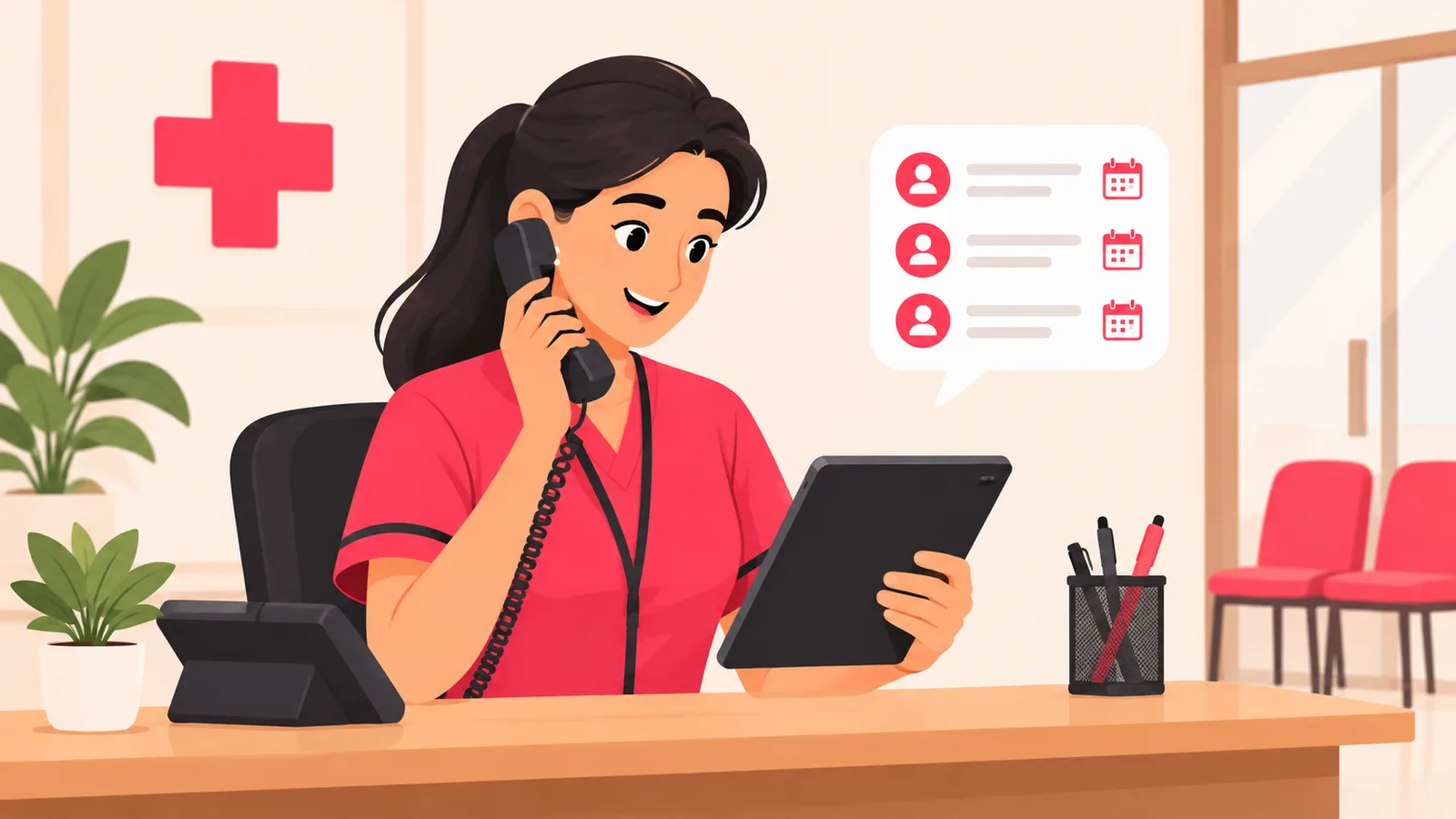
Slow first contact. The lead sits in a download file or a shared sheet until someone has time.
No owner. Three team members see the lead and each assumes another will call.
One attempt only. The first call goes unanswered and the lead is marked "not interested".
Step 1: Get every lead into one place instantly
Downloading a CSV from Ads Manager every evening is the slowest way to follow up. If leads wait until the next day, you have already lost the best window. Connect your lead forms so each new lead lands in a single list the moment it is submitted. Do the same for leads from your website form, WhatsApp and calls, so nothing hides in a different app.
If you still track leads in a sheet, read why teams stop using spreadsheets for the sales pipeline.
Step 2: Assign an owner within minutes
Every lead needs one name next to it. Not "the sales team". One person. Decide a rule and stick to it: round robin, by city, by course or by product. Our lead assignment guide covers simple rules that work for small teams.
A good rule is the one your team will actually follow on a busy Monday.
Step 3: Reply fast, and keep it human
Speed matters most in the first hours after the form. Meta's own published case studies describe quick follow-up improving lead-to-customer conversion, though results differ for every business. Do not chase a magic number. Set your own target, such as "first call or message within 15 minutes during working hours", and measure it.
Our lead response time guide explains how to set that target for your team.
A simple first message
Keep it short, name the ad or service they asked about, and ask one easy question. For example:
Hi Priya, this is Rahul from Sharma Dental Clinic. You asked about teeth whitening on Instagram. Is today or tomorrow better for a quick call?
One question gets a reply more easily than a long pitch. See our WhatsApp lead follow-up plan for message ideas. Also make sure you have consent before you message people, as covered in our DPDP Act guide for lead generation.
Step 4: Follow a simple contact schedule
Most leads do not answer the first call. A fixed schedule stops you from giving up too early or nagging too much. Here is a starting plan. Adjust it for your business.
Within 15 minutes: call, and send a short message if there is no answer.
Same day, evening: try one more call at a different time.
Day 2: send a helpful message, such as a price range explanation, a brochure or a location link.
Day 4: call again.
Day 7: send a final polite message and mark the lead as cold if there is still no reply.
Set a reminder for each step. A memory-based system breaks the moment your team gets busy.
Step 5: Qualify before you spend hours
Not every lead deserves the same effort. In your first call, ask two or three questions: what they need, by when, and their budget range. A lead who says "just checking" gets a lighter follow-up. A lead who says "I want to visit this weekend" gets a priority call. Our guide on lead qualification for small business goes deeper.
You can also add one or two qualifying questions inside the lead form itself. This usually reduces the number of leads, but the people who remain are more serious. Test it on one campaign before changing everything.
Step 6: Track what happens after the lead
Ad dashboards show cost per lead. That is not the number that pays your bills. Track these instead:
How many leads were contacted within your target time
How many were reached on a call
How many became a visit, demo or admission
How many became a paying customer
When you see where leads drop, you know whether to fix the ad, the form or the follow-up. Often the ad is fine and the gap is in step two or three.
How a lead management CRM helps
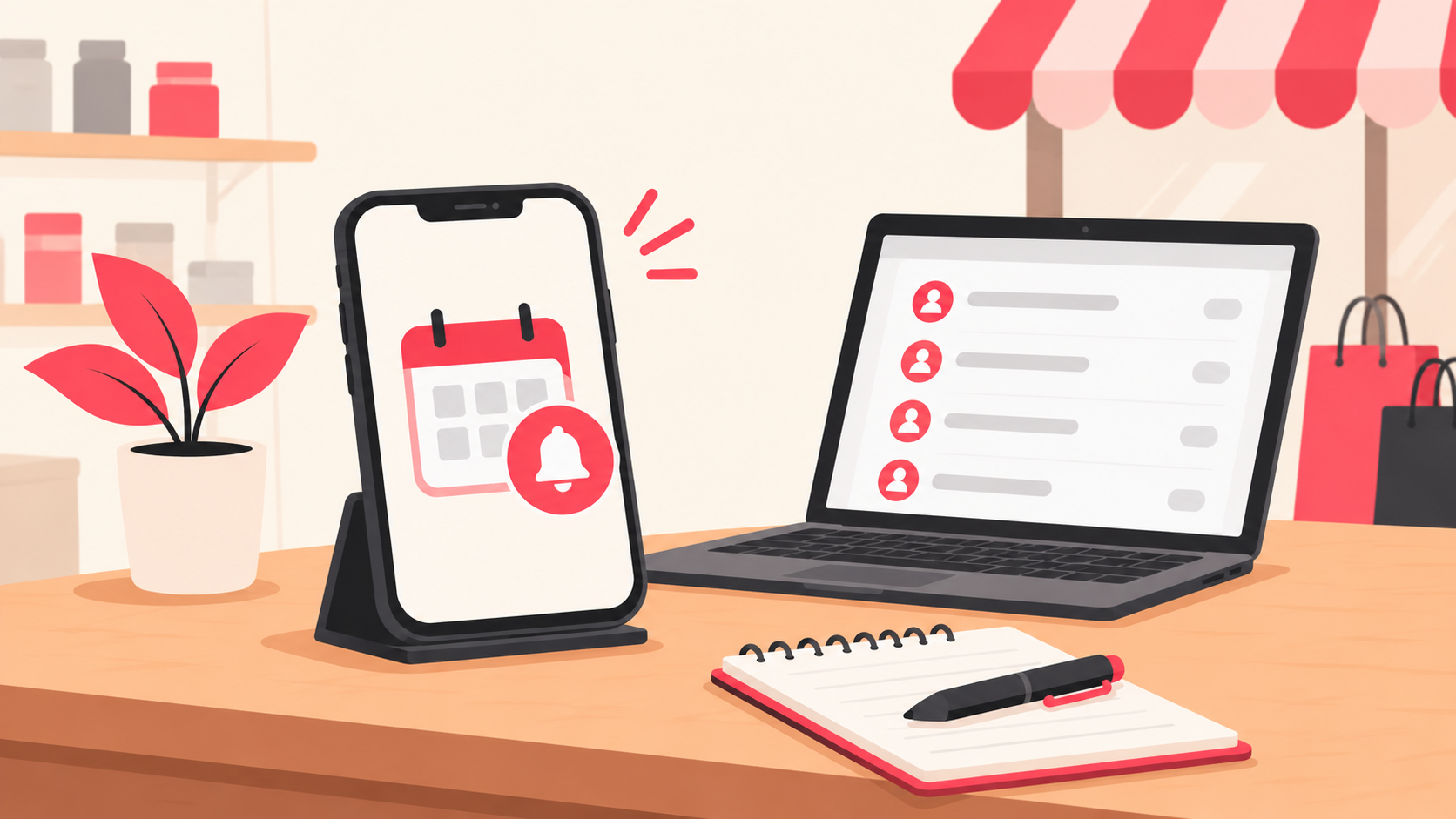
LeadGo is a lead management CRM. It captures leads from forms and websites, assigns them to team members, reminds the team to follow up, and tracks the sales pipeline and calls. It also has analytics and a mobile app, so your team can see their follow-ups on the phone. That covers the steps above: one list, one owner, reminders and a clear view of the pipeline.
FAQs
Why are my Facebook lead ads leads not picking up calls?
Common reasons are slow first contact, calling at the wrong time, or low-intent leads from very easy forms. Try calling within minutes, retry at a different time of day, and add a qualifying question to the form.
How fast should I follow up on a Facebook lead?
As fast as your team can do consistently. Many businesses aim for the first contact within minutes during working hours. Pick a target you can meet every day and measure it.
Should I use WhatsApp or calls for lead ad follow-up?
Use both. Call first, and send a short WhatsApp message if the call is not answered. Make sure the person has agreed to be contacted.
Should I add more questions to my lead form?
Often yes. Extra questions can reduce the number of leads but improve their quality. Test one campaign with a form that has two qualifying questions and compare how many leads turn into customers.
How do I know if the ad or my follow-up is the problem?
Track how many leads were contacted quickly and how many were reached. If contact rates are low, fix follow-up first. If leads are reached but say they never enquired, look at the ad and form.
Your ad budget is only useful if every lead gets a fast, organised follow-up. Try LeadGo to keep your leads, owners and reminders in one place.