Outgrown Manual Channel Management? Retail Signs
The earliest sign is not a big failure. It is not being able to say how many enquiries came in yesterday. Here are the signs to check and a simple fix.
The earliest sign a growing retail brand has outgrown manual channel management is simple: nobody can say, in one minute, how many enquiries came in yesterday and who is following up on each. If the answer needs three phones, two sheets and a call to the shop, you have outgrown the manual way.
This post explains why that sign shows up first, what it looks like day to day, and how to fix it without a big project. It is written for owners and sales managers of small retail brands in India. For a wider view of the same problem, see our guide on when teams outgrow manual lead management.
What "manual channel management" means in a retail brand
A retail brand rarely has one door. Customers reach you through many channels at once:
Walk-ins at one or more stores
Phone calls to the store or a sales number
WhatsApp messages to a staff member's own phone
Instagram or Facebook messages and ad forms
Your website's contact or enquiry form
Marketplace or third-party listing enquiries
Managing these manually means each channel has its own notebook, sheet or chat. Someone copies details across by hand, if they remember. That works with 10 enquiries a day. It slowly breaks as you grow.
The earliest sign: you cannot see all enquiries in one place
Most owners expect the first sign to be a big failure, like a lost order. It is usually quieter. It is a small, repeated moment of confusion.
Questions you cannot answer quickly
How many new enquiries did we get this week, across all channels?
Which channel brings the buyers, and which only brings window-shoppers?
Who spoke to this customer last, and what was promised?
Which enquiries have had no reply for two days?
If these answers live in different people's heads and phones, you are already past the point where manual tracking is safe. Nothing has "gone wrong" yet, which is exactly why it is easy to ignore.
Why it shows up here first
Orders and billing already sit in a billing or accounting tool, so they get noticed when they break. Enquiries and follow-ups usually do not. They live in chats and memory. So the gap appears in the pre-sale stage first, long before it hits your accounts.
Seven early warning signs to check this week
The same customer is contacted twice. Two staff members message the same person because neither knew the other had replied.
A staff member leaves and takes leads with them. Their WhatsApp chats and personal notes go with them.
Replies depend on who is free. Enquiries that arrive late in the evening or on a busy Saturday wait until someone remembers. Speed matters; see our lead response time guide.
Follow-ups happen only when the customer pushes. There is no reminder system, only goodwill.
Your sheet has more than one version. Each store keeps its own file, and the numbers never match.
You cannot compare channels. You spend on ads, but you cannot say how many ad enquiries became sales.
Weekly review takes hours. Someone collects numbers from every store and channel by hand before the meeting can begin.
One or two of these are normal for a young brand. Three or more means your process, not your team, is the bottleneck.
What it costs you if you wait
The cost is rarely one dramatic loss. It is many small ones:
Slow replies. A customer who asked about a product on Instagram may buy from whoever answers first.
Forgotten follow-ups. A buyer who said "I will come on Sunday" and was never reminded.
Wasted ad spend. You pay for enquiries that nobody tracks to the end.
Manager time. You become the human glue between stores, phones and sheets.
We will not put a number on these losses, because it differs for every brand. You can measure your own: for one week, count enquiries received and enquiries that got a follow-up. The gap is your answer.
Why a bigger spreadsheet is not the fix
The usual first reaction is to build a better spreadsheet with more columns, colours and a shared link. It helps for a few weeks. Then the same problems return, because a sheet does not assign a lead, remind anyone, or show what happened on a call. We cover this in detail in why to stop using spreadsheets for your sales pipeline.
A simple way to move off manual channel management
You do not need to change everything in one go. Follow these steps.
Step 1: List every channel
Write down each place an enquiry can arrive. Include the informal ones, like a salesperson's personal WhatsApp.
Step 2: Decide one home for all leads
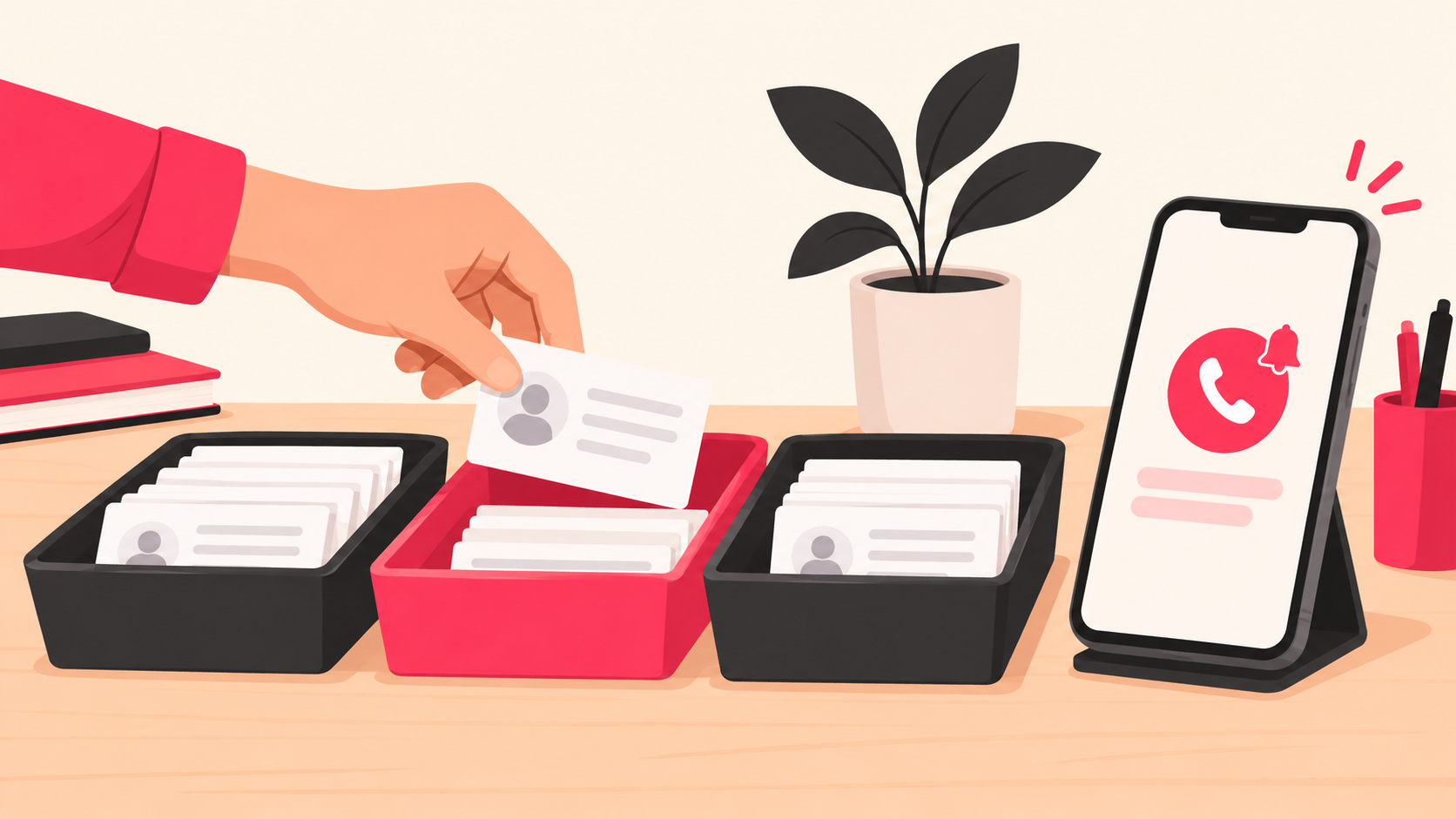
Pick one system where every enquiry gets recorded, whatever its source. A lead management CRM does this job. LeadGo captures leads from forms and websites, so enquiries from your site land in one list automatically. Walk-ins and calls can be added by your team from the mobile app.
Step 3: Give every lead an owner
No enquiry should sit unowned. Assign each one to a team member the moment it arrives. In LeadGo, leads are assigned to team members, so everyone knows whose turn it is.
Step 4: Set a follow-up for each lead
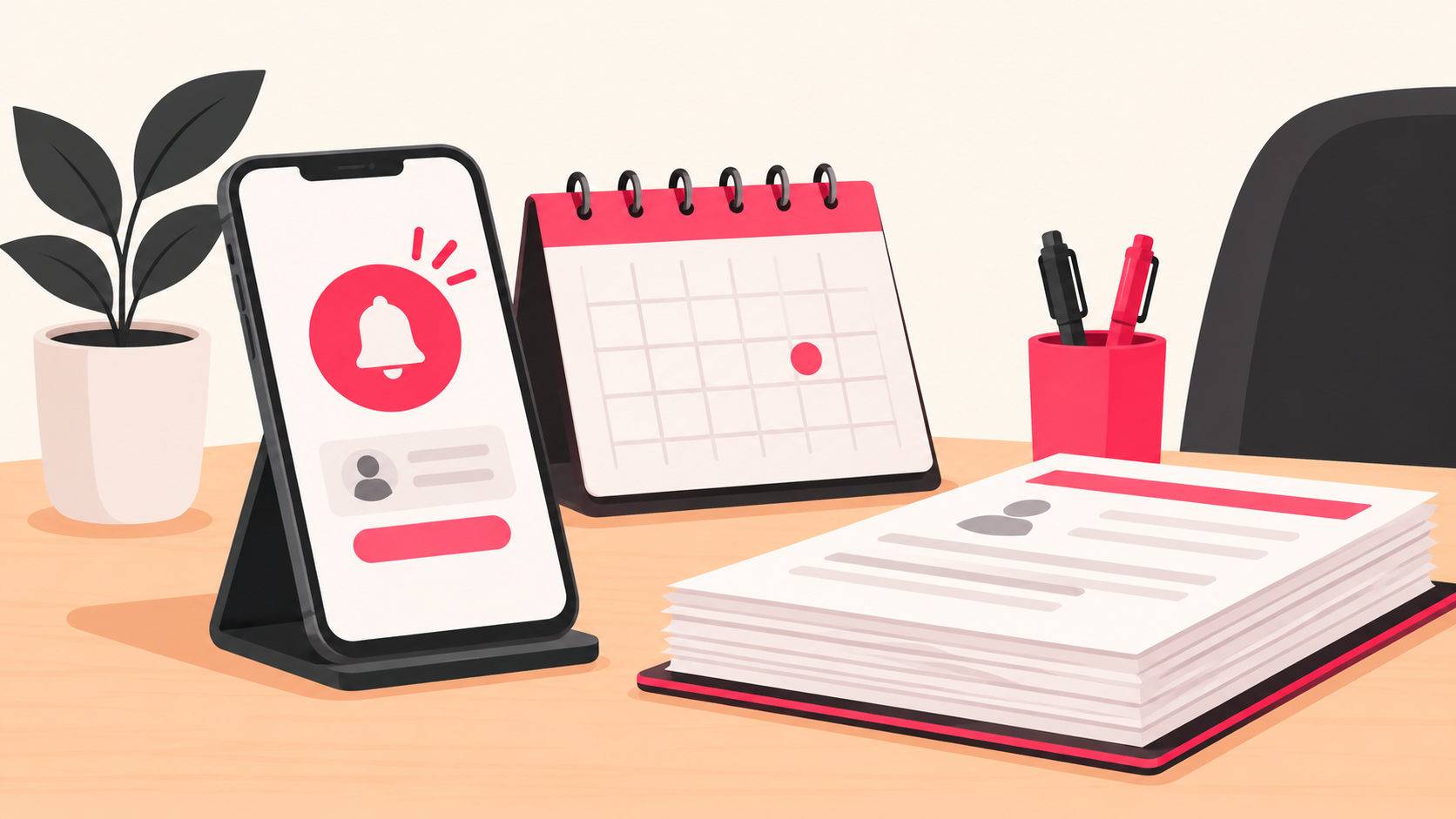
Every lead needs a next date. Reminders turn "I will call later" into a task that actually appears on someone's screen.
Step 5: Track stages, not just names
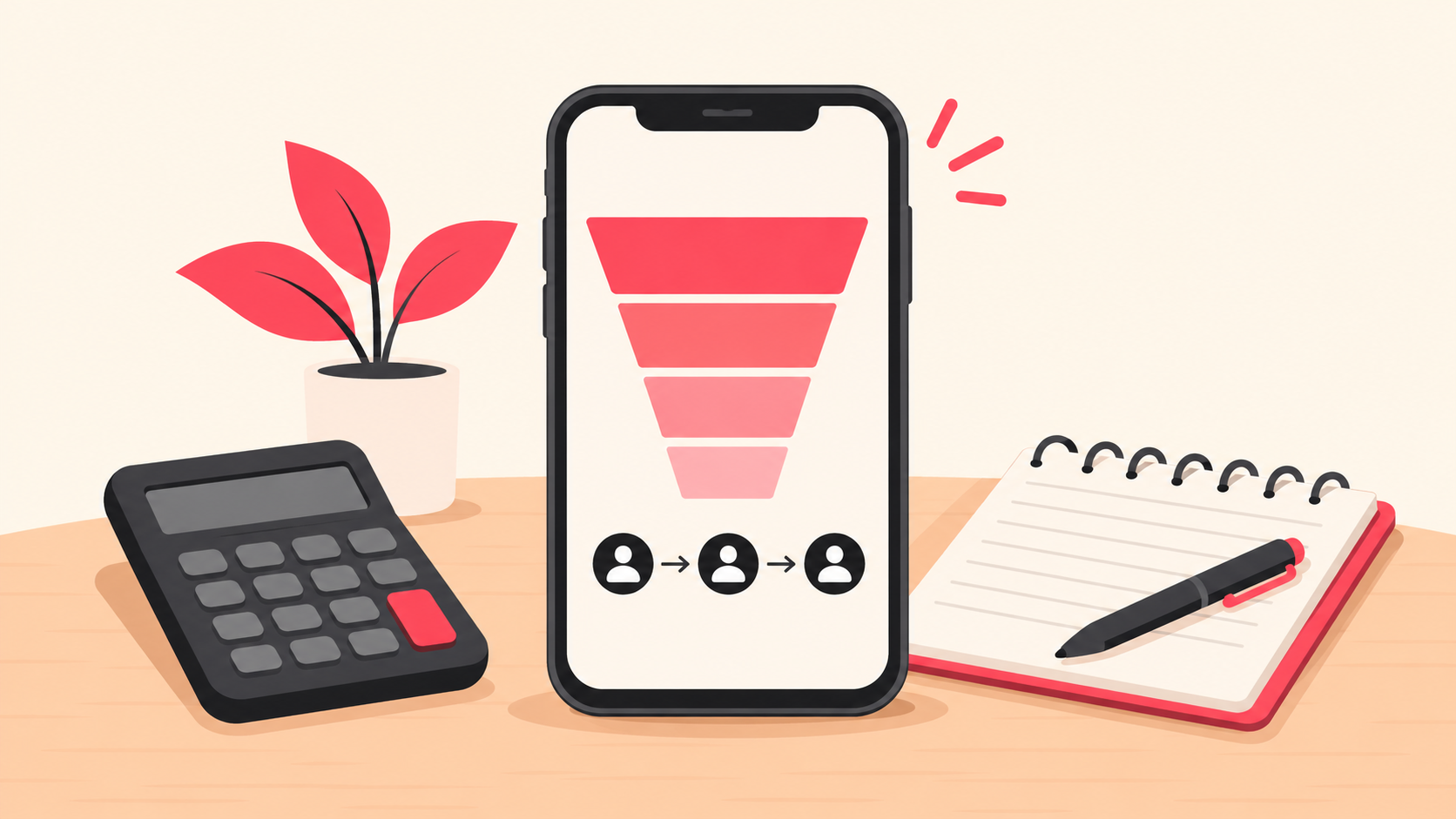
Move each lead through simple stages: new, contacted, visited, negotiating, bought or lost. This is your sales pipeline. If you are new to it, read from spreadsheet to CRM: a better sales pipeline.
Step 6: Review by channel
After a month, look at the analytics. Which channel gave the most enquiries? Which gave the most buyers? Spend your time and ad budget accordingly.
Quick self-test
QuestionIf the answer is "no"Can you see all yesterday's enquiries in one list?You are missing a single home for leadsDoes every enquiry have a named owner?Leads will fall between staffDoes each lead have a next follow-up date?Follow-ups depend on memoryCan you compare channels by sales, not just enquiries?Your marketing spend is a guessWould a staff member leaving leave your data intact?Your data is on personal phones
Two or more "no" answers mean it is time to move to a proper system.
FAQs
When should a retail brand move from spreadsheets to a CRM?
Move when enquiries come from more than two channels, more than one person handles them, or you cannot tell who is following up on what. Team size matters less than these signals.
Is manual channel management bad for a small shop?
No. For a single store with a handful of enquiries a day, a notebook or sheet is fine. The problem starts as channels, staff and stores multiply.
What is the difference between order management and lead management?
Order management handles what happens after a customer buys: stock, billing and delivery. Lead management handles what happens before: capturing enquiries, following up and moving them towards a sale. This post is about the second one.
Will my staff actually use a CRM?
They will if it is easy and saves them effort. A mobile app, clear reminders and a short list of stages help. Start with one or two simple rules and add more later.
How do I know which channel is working best?
Record the source of every lead, then compare how many from each source reach the sale stage. Analytics in a CRM make this a quick check rather than a manual count.
If you are tired of chasing enquiries across phones and sheets, try LeadGo. Put every lead in one place, give each one an owner and a reminder, and see which channels really bring customers.