How to Save Customer Measurements Online
A simple guide for tailors and boutiques in India to store customer measurements online, from cloud sheets to apps, and keep the data safe.
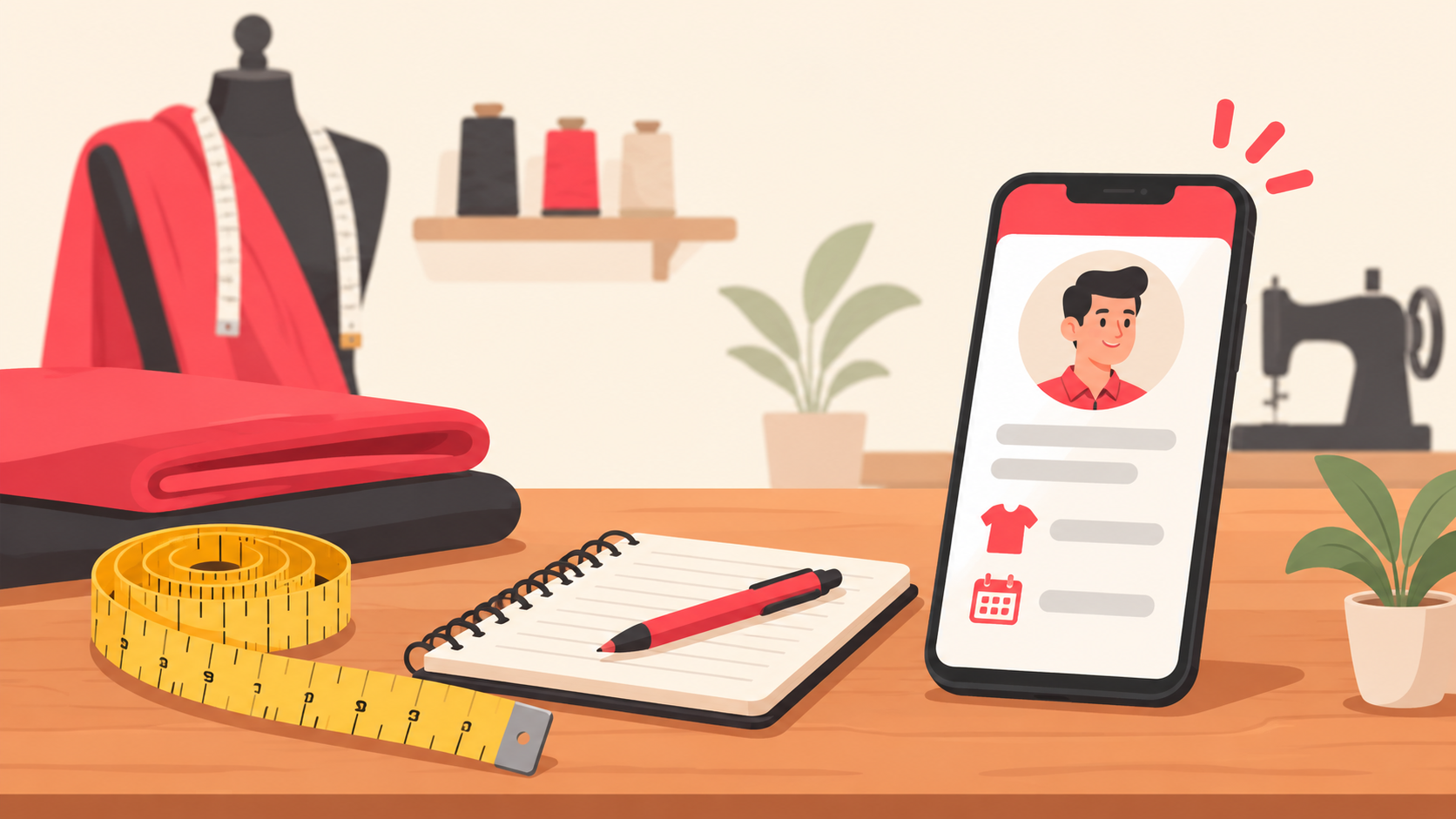
To save customer measurements online, pick one digital place where every customer has one profile, every garment has its own measurement set, and every change is dated. A shared cloud sheet is enough to start. A tailor-management app works better as your customer list grows. The goal is simple: never ask a regular customer for the same measurements twice, and never lose a notebook page again.
This guide is for boutiques, tailors, and made-to-measure shops in India. It shows what to record, where to store it, and how to keep customer data safe.
Why paper notebooks stop working
A measurement notebook is fine for the first fifty customers. After that, the problems start to show.
The notebook is in one place, but two staff members need it at the same time.
A page gets torn, wet, or lost, and the customer has to be measured again.
Handwriting is unclear, so a 38 is read as a 36.
You cannot search. Finding "Mrs. Sharma, blouse, last Diwali" means flipping through pages.
When an employee leaves, the knowledge leaves with them.
Saving measurements online fixes all of these. You can search by name or phone number, open the record from your phone, and keep a backup without extra effort.
What to record for every customer
Before you pick a tool, decide on the fields. A good record has three parts.
1. Customer details
Full name and a phone number (the phone number is your search key)
Preferred language and a WhatsApp number if different
Date of first visit and how they found you
Notes such as "prefers loose fit" or "left-shoulder is lower"
2. Measurement sets per garment
Do not keep one single list of measurements per person. A blouse, a kurta, a shirt, and a suit need different points. Create one set per garment type, so the record stays clean.
Garment type (blouse, salwar, shirt, trouser, blazer and so on)
Each measurement with its unit. Write inches or centimetres, and use the same one everywhere
Fit preference: slim, regular, loose
Date taken and the name of the person who took it
3. Order history
Order date, delivery date, and garment
Alterations done after the first fitting
Reference photos of the finished piece, if the customer agrees
Tip: keep the old measurement set when a customer's size changes. Add a new dated set instead of overwriting. Then you can see how the fit changed over time.
Four ways to save customer measurements online
You do not need to buy software on day one. Compare these options by how many customers you handle and how many people use the record.
OptionGood forWatch out forCloud spreadsheetSmall shops, one or two staffEasy to overwrite or delete a row by mistakePhone notes or gallery photosA quick stopgapHard to search, and the data stays on one phoneTailor-management appBoutiques with many repeat customersCheck data export and where data is hostedCustom-built toolLarger brands with special needsCost and maintenance
Option 1: A cloud spreadsheet
Use one sheet for customers and one tab per garment type. Put the phone number in the first column of every tab, so you can match rows. Turn on version history so you can undo mistakes, and limit edit access to the people who really need it.
If you are already tracking customers in sheets, read our guide on which CRM to replace spreadsheets to see when a sheet starts to hurt.
Option 2: A tailor-management app
Several Indian apps are built for tailors and boutiques. They usually give each customer a profile with measurements by garment, order history, and photos. Examples include Tailo360 and NoolTech Tailor Management. Features and terms change, so check the current details yourself before you decide.
Before you commit, ask four questions:
Can I export all my customer data if I leave?
Does it work offline when the internet is slow?
Can more than one staff member log in?
Where is the data stored, and who can see it?
How to move from the notebook to online
Do not try to type in the whole notebook in one weekend. Use this simple plan instead.
Start with new customers. From today, every new measurement goes online first.
Digitise repeat customers as they return. When a regular walks in, copy her page into the system while you serve her.
Take a photo of old pages as a backup. Store the photos in a folder named by month, then retire the notebook after a few months.
Fix one format. Same units, same order of measurements, same garment names.
Give one person ownership. One staff member checks that records are complete every week.
Keep customer data safe
Measurements and phone numbers are personal data. Treat them with care.
Use a strong password and do not share one login among everyone.
Give access only to people who need it, and remove it when someone leaves.
Ask for permission before sending offers or using a customer's photo.
Do not keep data you no longer need.
India's data protection rules apply to small businesses too. Our DPDP Act checklist for lead data explains the basics of consent and storage in plain language.
Turn saved records into repeat orders
Once measurements are online, you hold a useful customer list. You know who ordered a blouse before Diwali, who needs alterations, and who has not visited in a year. That is a reason to get in touch.
But a saved record only helps if someone follows up. Many shops lose business not because of the stitching but because an enquiry or a trial request is forgotten. A message within a few minutes can win the order. Read our lead response time guide and the WhatsApp follow-up plan for simple routines.
This is where a lead management tool helps. LeadGo captures leads from forms and websites, assigns them to team members, reminds the team to follow up, and tracks the sales pipeline. It does not replace a place for your measurement sets. Think of it as the layer that makes sure every enquiry gets an answer, while your measurement records live in the sheet or tailoring app you choose.
A quick checklist
One profile per customer, searchable by phone number
One measurement set per garment type
Dated records, with old sets kept
One unit, one format, one owner
Backup and limited access
A follow-up routine for enquiries and repeat customers
FAQs
Is it safe to save customer measurements online?
Yes, if you use a trusted service, strong passwords, and limited access. Measurements with a name and phone number are personal data, so collect only what you need and handle it with care.
Can I use Google Sheets for customer measurements?
Yes. A cloud spreadsheet is a good low-cost start for a small shop. Use one tab per garment type, turn on version history, and restrict who can edit.
Which measurements should I record for a blouse or kurta?
It depends on your pattern and your master tailor. Record the points your cutter actually uses, in one unit, and add fit notes. Keep a separate set for each garment type.
How do I handle customers whose size changes?
Add a new dated measurement set instead of overwriting the old one. You keep the history and can check the previous fit if a customer is unhappy.
Does LeadGo store tailoring measurements?
No. LeadGo is a lead management CRM for capturing enquiries, assigning them, reminding your team to follow up, and tracking your pipeline. Use a sheet or tailoring app for measurements and LeadGo for follow-up.
Want every enquiry to get a reply on time? Try LeadGo and see how simple follow-up can be.